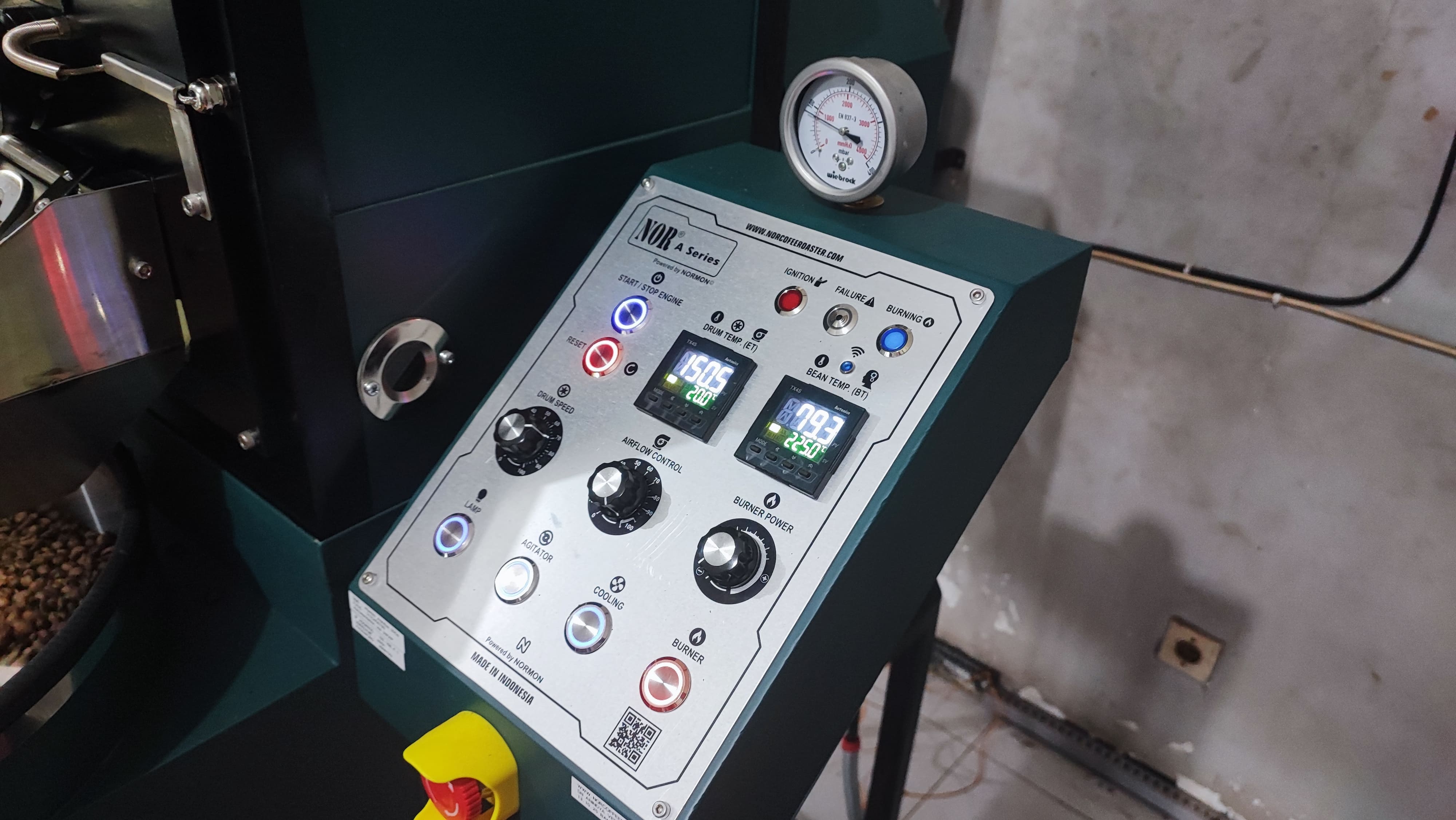
Make sure that you followed the guideiance of the preparation, operating and maintenance.
Probe sensor temperature (BT or DT) is incorrect
Error description: The displayed beans (BT) or drum (DT) temperature is incorrect or the difference between BT and DT is not 10 to 20°C.
Troubleshooting: Calibrate the sensor probe.
Probe sensor cable (BT or DT) is defective
Error description: A probe sensor cable is defective and the word "open" is displayed on the corresponding display.
Troubleshooting: Replace the old sensor cable with a new one.
🔗 Probe Sensor Cable Replacement
Roasting drum no longer running (5 kg and more)
Error description: The roasting drum is not running, even after resetting the machine.
Troubleshooting: You can solve this problem by resetting the drum speed controller. This is located inside the electric panel on the right-hand side of the machine. The model is Yolieo YD101.
The Wi-Fi on the roast machine is not operational.
Error description: The machine is switched on, but the blue Wi-Fi indicator light is not illuminated and the machine is not displayed in the Wi-Fi network.
Troubleshooting: Open the electrical box on the machine housing and press the red button on the Wi-Fi module to reset it. The module has a clearly visible red button. On smaller machines, the reset button may be located outside the electrical box, below the control panel. After resetting, the Wi-Fi indicator light should flash.
Lamp, Agitator and Cooling switch on and off without any action.
Error description: The Lamp, Agitator and Cooling switch on and off without any action on your part. This can happen because of electrical noise.
Troubleshooting: Install a diode or resistor before the inverter.
🔗 Link coming soon
Bad Burner Performance
Error description: The burner flame is not regulating properly.
Troubleshooting: If the burner is not performing well, clean the burner room and all burner openings and the noozle.